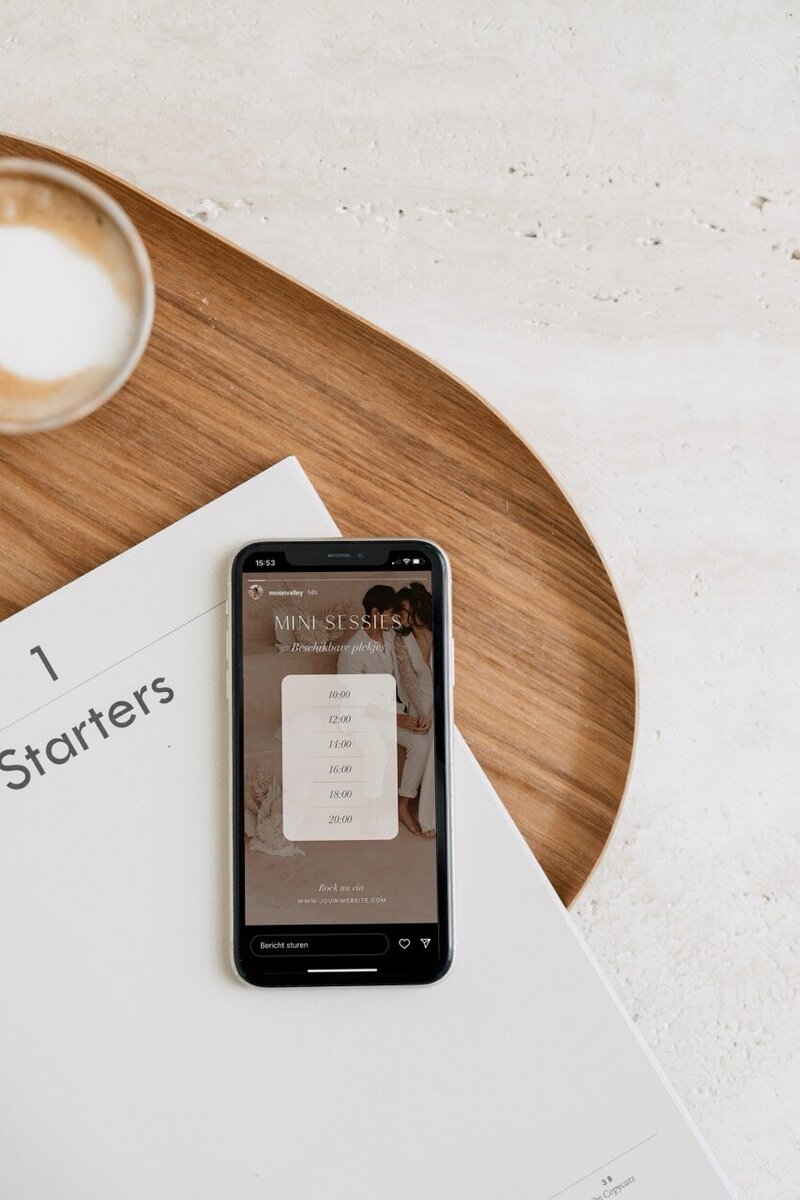
Showit Shop Templates
SHOWIT ADD-ON TEMPLATE


Works with
Want to sell straight from your Showit site instead of sending people off to some clunky third-party shop? These Showit shop add-ons have you covered, for digital and physical products.
Pair them with Shopify, drop in your Shopify buy buttons and your clients check out safely without ever leaving your site.
$75
$75
Buy now
preview
Buy now
preview
Buy now
preview
$75


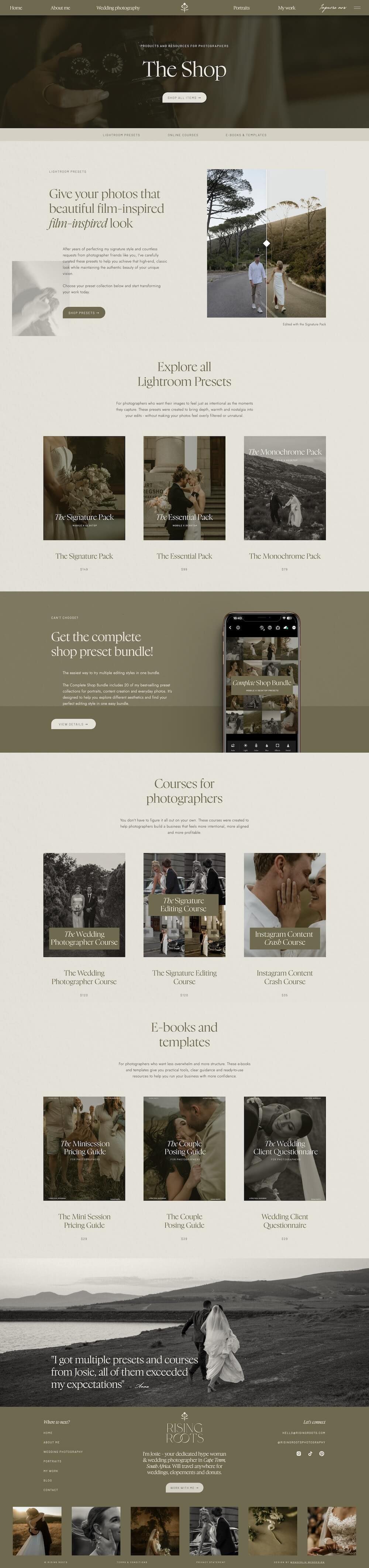
Rising Roots
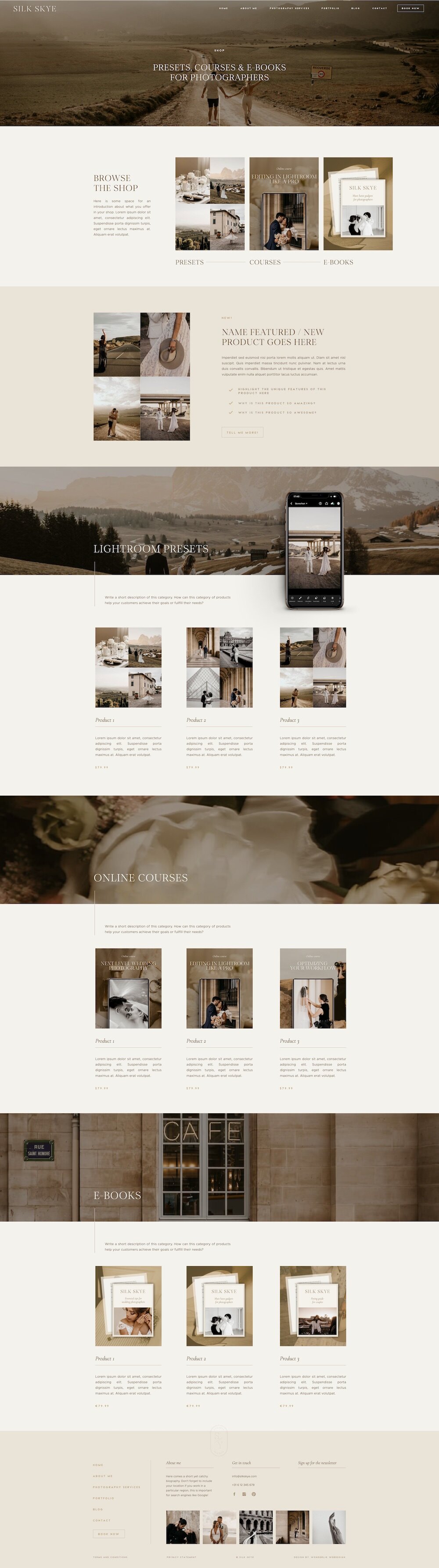
Silk Skye
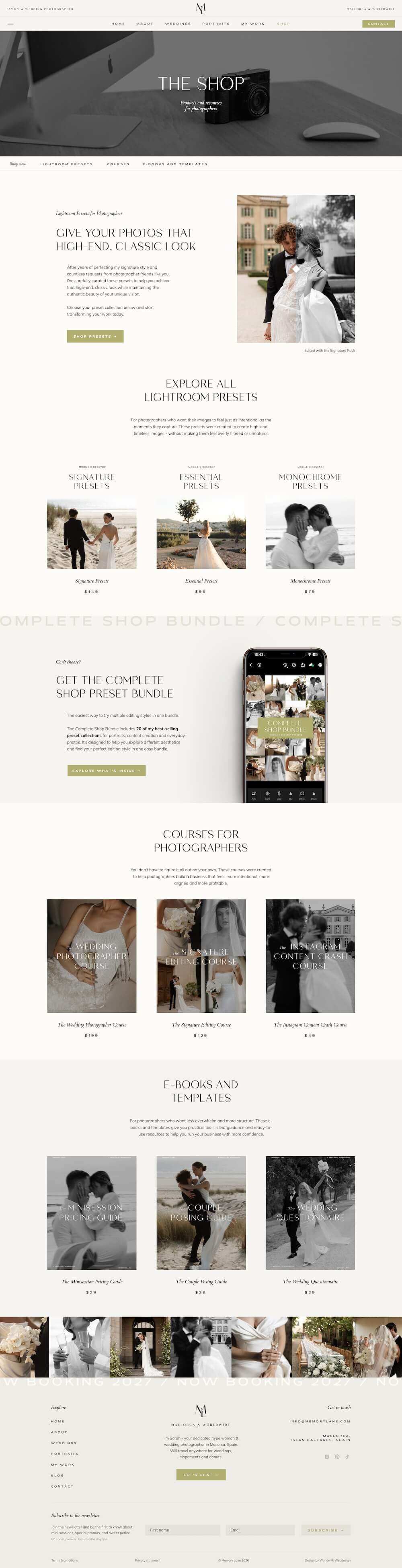
Memory Lane


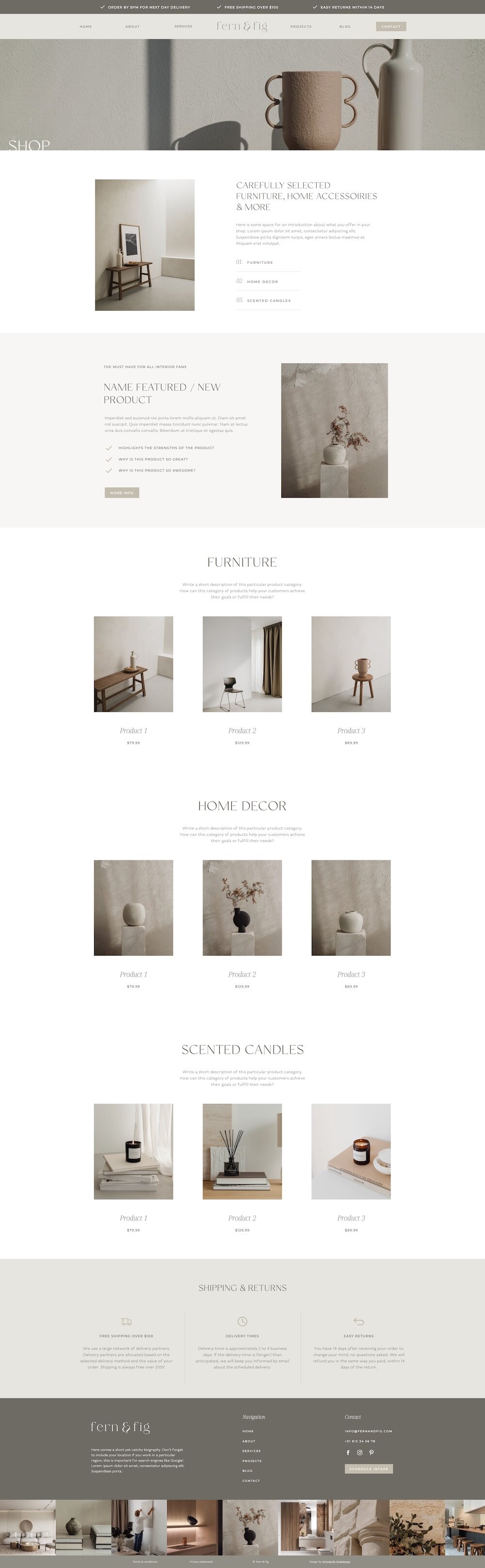

Fern & Fig
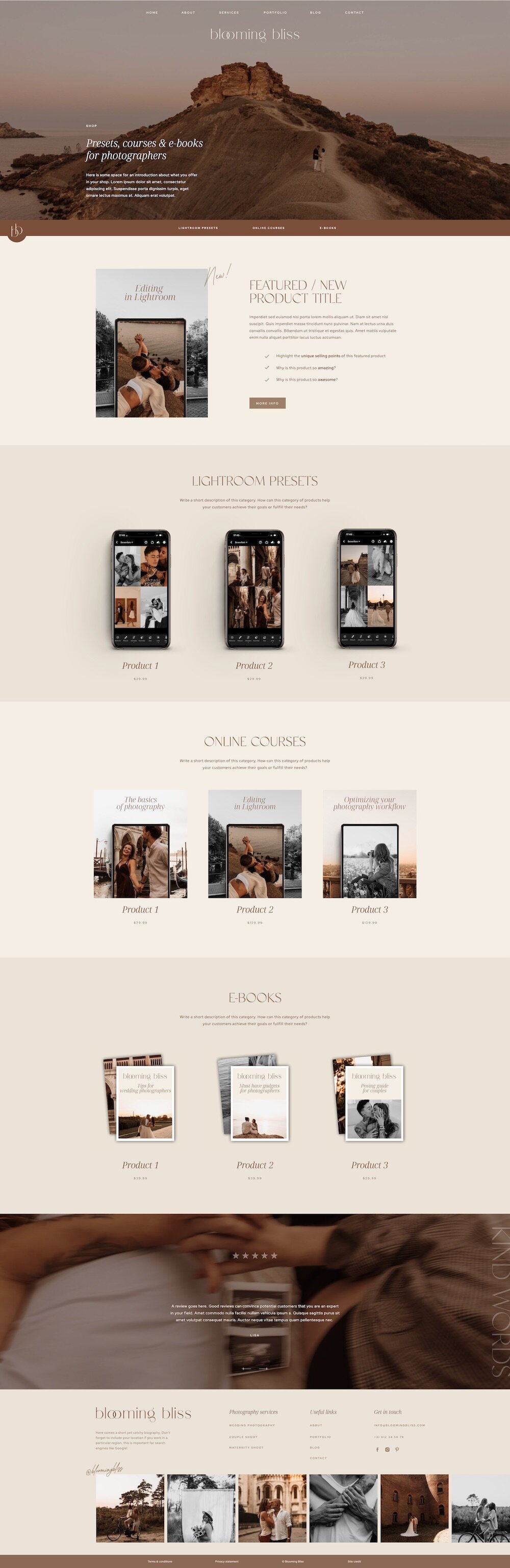
Blooming Bliss
Sage & Stone
Buy now
preview
Buy now
preview
Buy now
preview
$75
$75
$75
$75
$75


Buy now
preview
Buy now
preview
Buy now
preview
$75
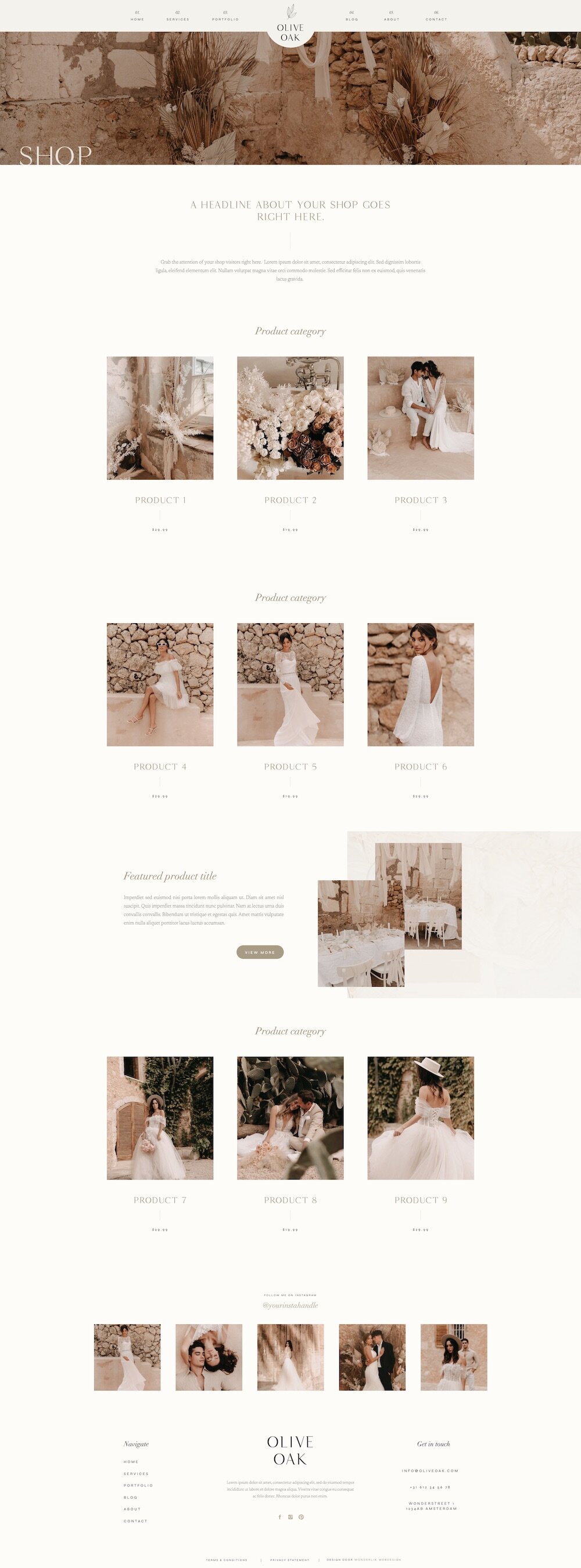
Olive Oak
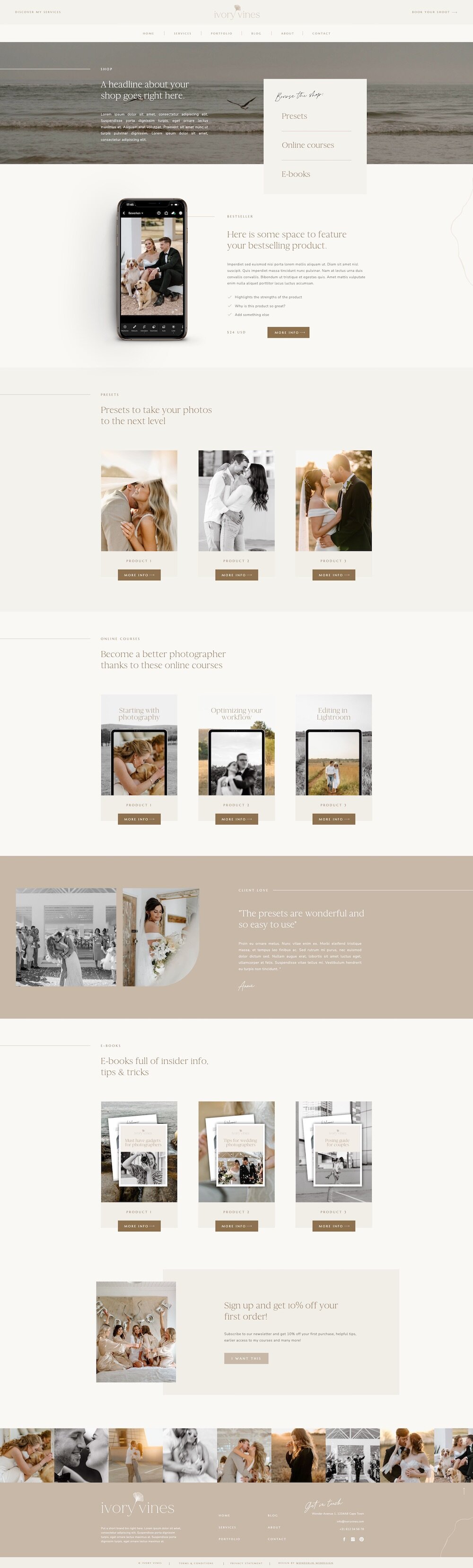
Ivory Vines
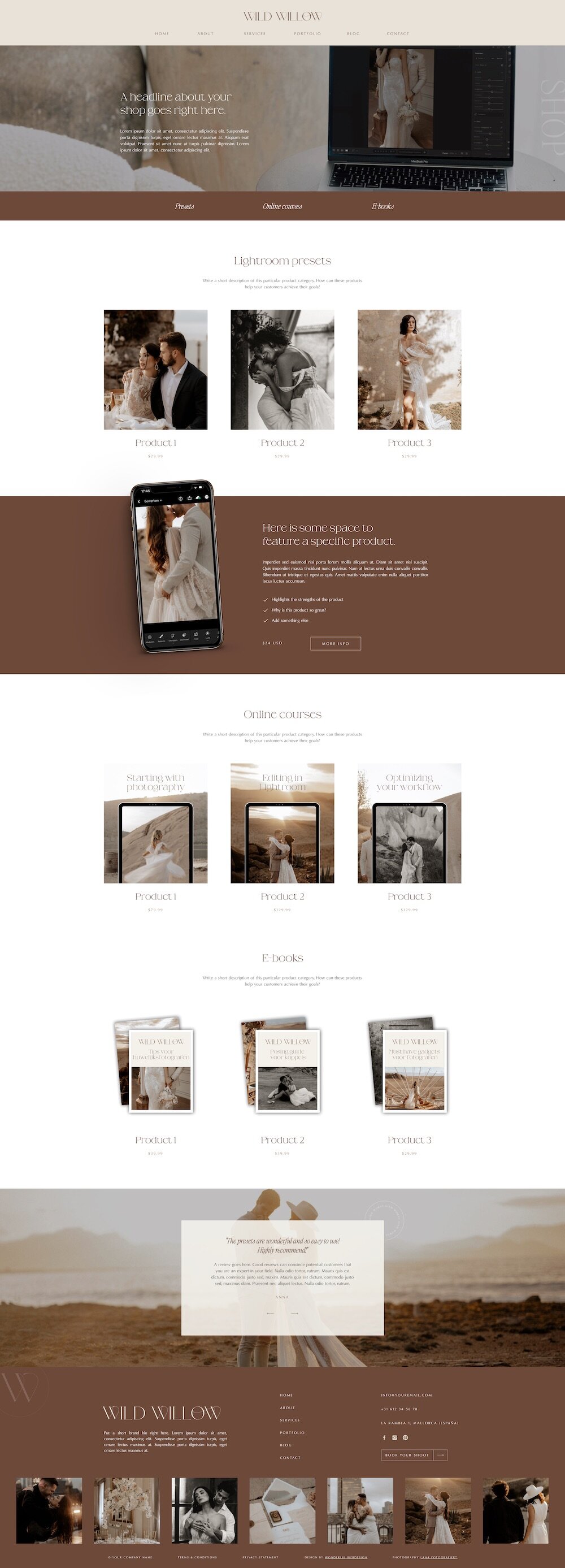
Wild Willow
$75


Buy now
preview
Buy now
preview
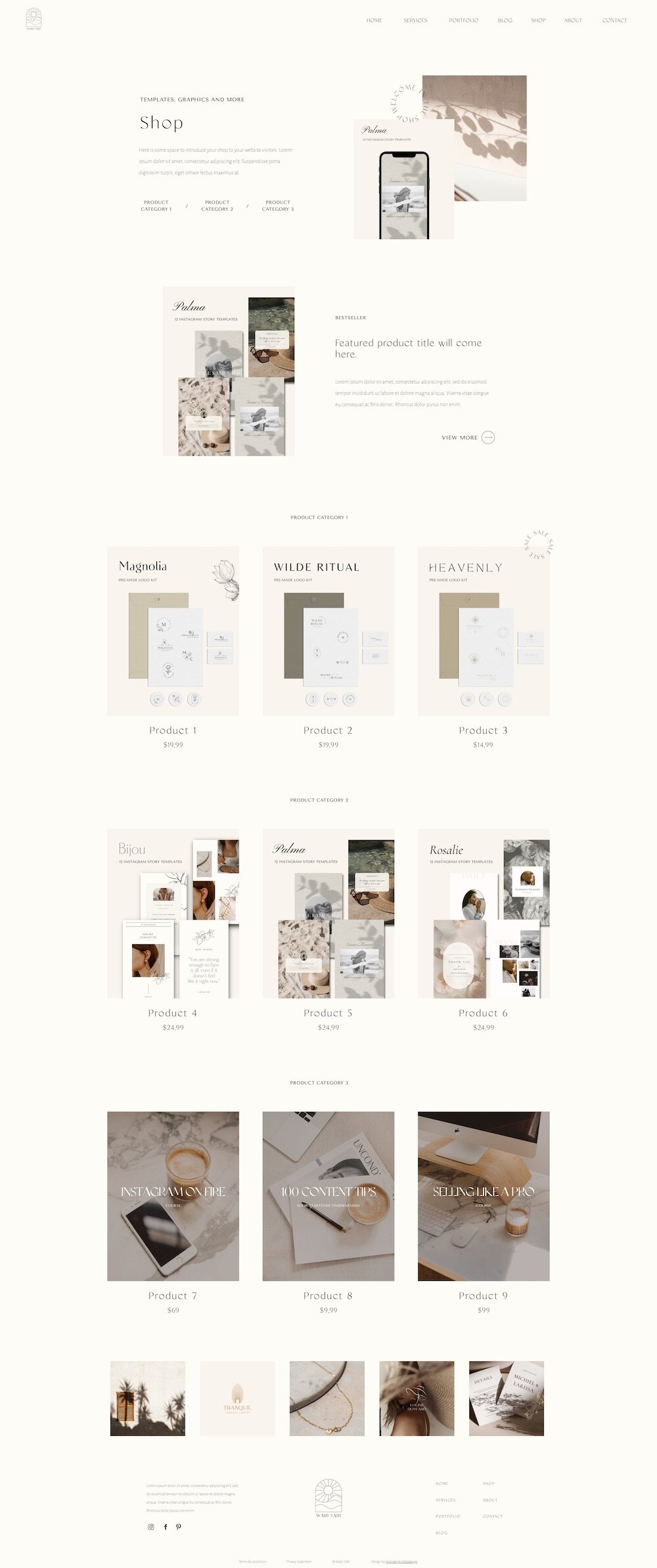
Wabi Sabi
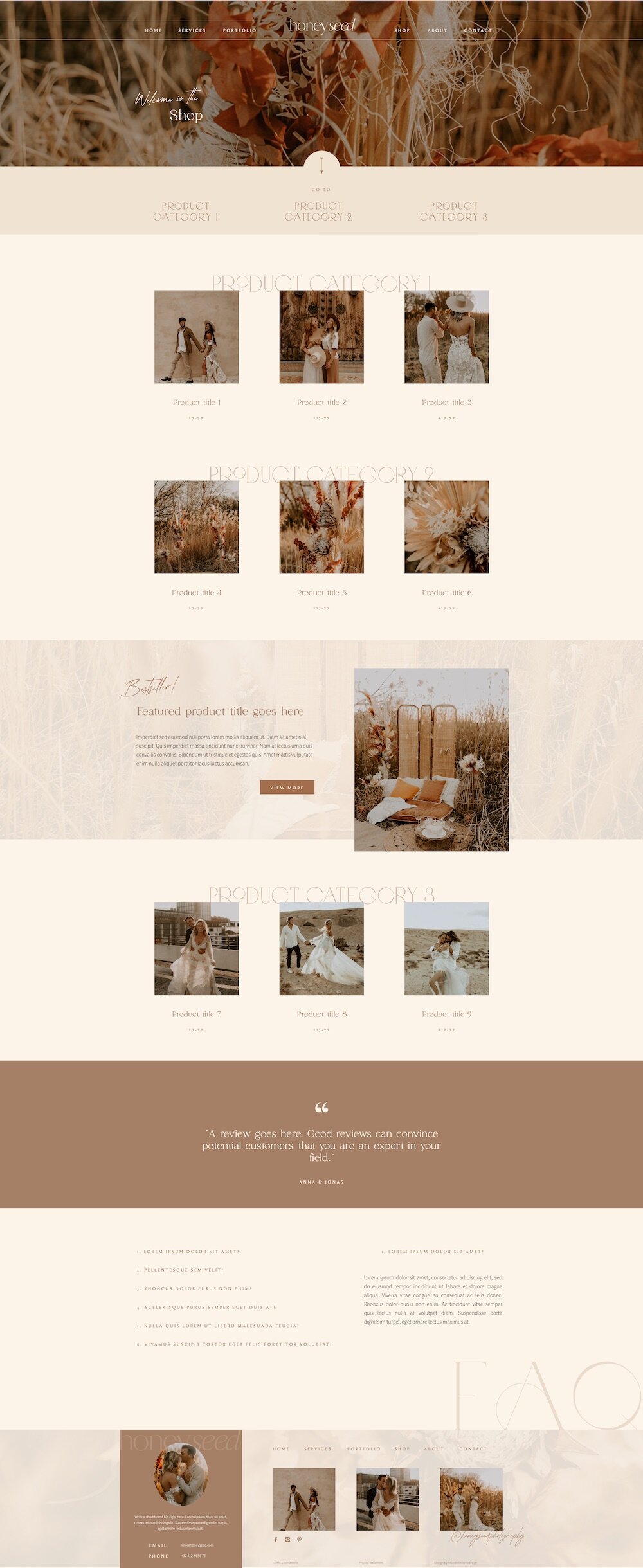
Honey Seed
Now $45
$75
Goodbye sale
(It's easier than you think)
How to add a shop to your Showit site
The moment you buy, you'll get a step-by-step guide that walks you through the whole setup, from customizing your template to connecting Shopify.
01. Buy your Shop add-on
Grab a Shopify Basic account ($19/month), that's all you need to start selling. This is where you add your products, set your payment methods, sort out shipping and create the buy buttons for each product.
02. Sign up for Shopify
Pop your products into Shopify (digital or physical) and add the buy buttons to your Showit shop pages. These buttons let your clients add products to their cart and check out, right from your Showit site.
03. Add the buy buttons to Showit
That's it, your shop is open for business! When someone clicks a buy button, they check out safely through Shopify's trusted, secure environment. All you have to do is watch the orders roll in!
04. Start selling!
A step-by-step guide that walks you through the whole setup, from customizing your template to connecting Shopify and adding your buy buttons.
Detailed instruction guide
A dedicated page for each product, with room for your photos, description and buy button, so every item gets the space it deserves to actually sell.
Individual product page
This is where all your products live together, neatly displayed so clients can browse everything you sell at a glance and tap through to whatever catches their eye.

Shop page (products overview)
What's included with a Showit Shop Add-On?
Frequently asked questions
It's a ready-made shop template you add to your existing Showit website to expand it with your own online store. You get a shop page where all your products live, plus a product page you can duplicate for each item you sell.
You connect it to buy buttons from Shopify (Shopify Basic, $19/month billed yearly), so your customers get a smooth, secure checkout, right from your site.
One thing to keep in mind: you set up a buy button for each product, so this works best if you're selling under 30 items.
When it comes to processing customer payments, Shopify is a great choice. However, you don't have to use it. Plenty of other tools work just as well, like ThriveCart or Kajabi.
And you're not tied to embed codes or buy buttons either. If your tool doesn't offer them, you can simply add a button in Showit and link it straight to your own checkout page. So whatever payment tool you already use, you can make it work with these templates.
- Set up your Shopify account.
- Add your products in Shopify (details, prices, images).
- Create a buy button for each product, Shopify makes this really easy.
- Add those buttons to your Showit shop pages.
That's it! When a customer clicks a buy button, a cart pops up and they check out safely in Shopify's secure environment. Want the full walkthrough? Read more on the blog!
Shopify's Basic plan is only $19/month when you pay yearly. But honestly, you won't have to sell much before that small investment pays for itself. It gives you everything you need to run your shop right on your Showit site!
Absolutely, both work. Whether you're selling presets, e-books and templates or prints, albums and physical goods, you can set them all up in Shopify and add them to your shop.
Through Shopify's secure, trusted checkout. When someone clicks a buy button, Shopify handles the payment safely, so every order is in good hands, theirs and yours.
Your buy buttons live in Shopify, so those you manage from your Shopify dashboard. You can style the buy buttons in your own brand colors and pick from a range of standard fonts.