Session Client Portals for Showit
Showit add-on for photographers


Picture this: someone books a session with you, and instead of firing off email after email, you send them one simple link.
Because let's be honest, your client doesn't want to dig through a dozen emails. They just want to feel excited and ready for their shoot.
That's exactly what this session client portal does. It's a private page on your Showit site that guides your client through the whole experience: everything they need to prep beforehand, and their gallery link waiting for them afterward. One beautiful spot from start to finish, so you're not repeating yourself before every session.
Elevate your client experience with their own private client portal
-
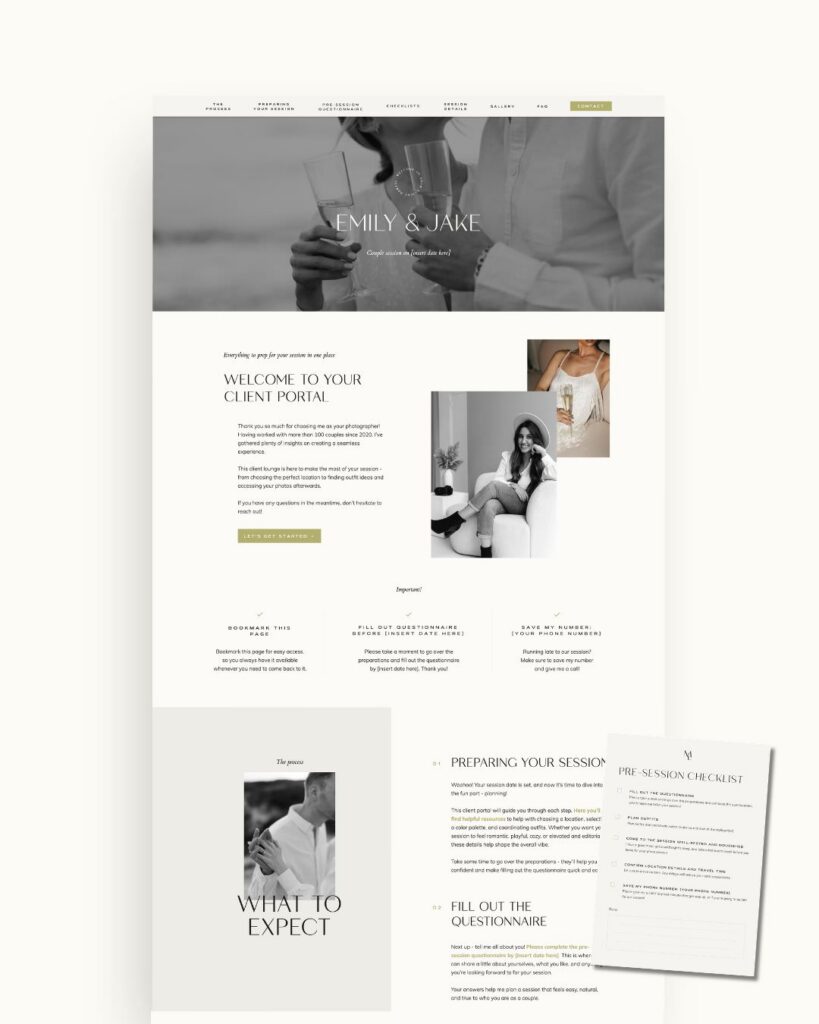
Showit Session Client Portal Memory Lane
$129,00 ex. VAT -
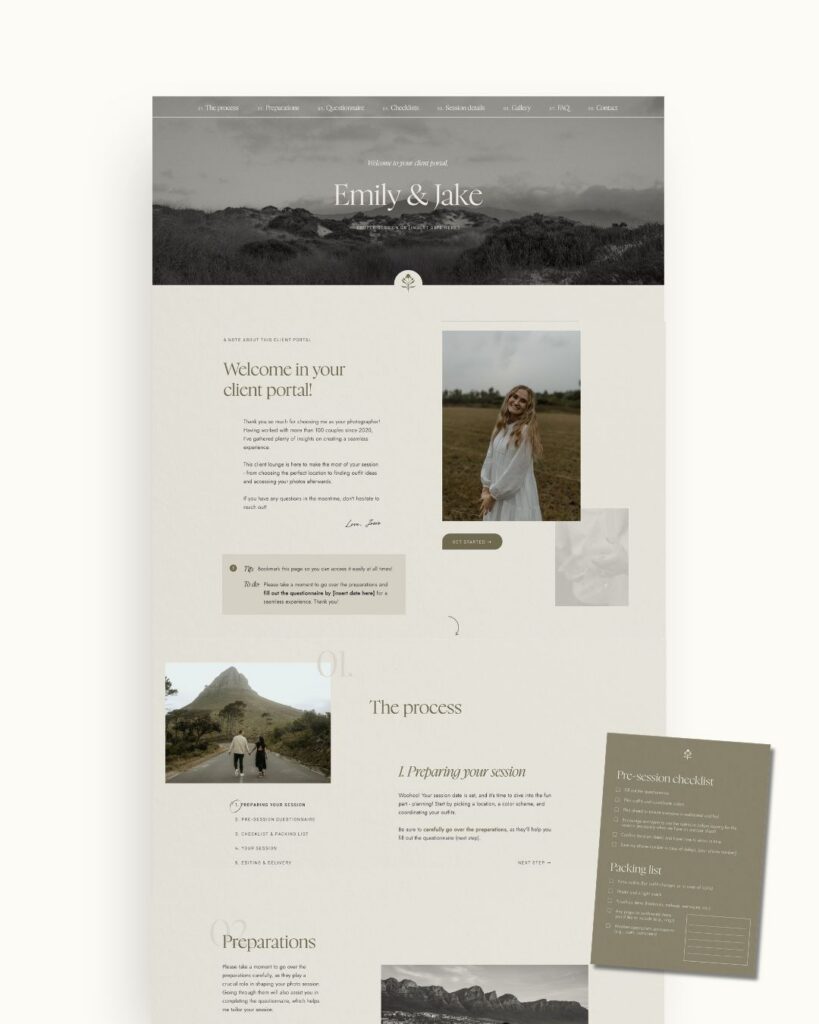
Showit Session Client Portal Rising Roots
$129,00 ex. VAT -
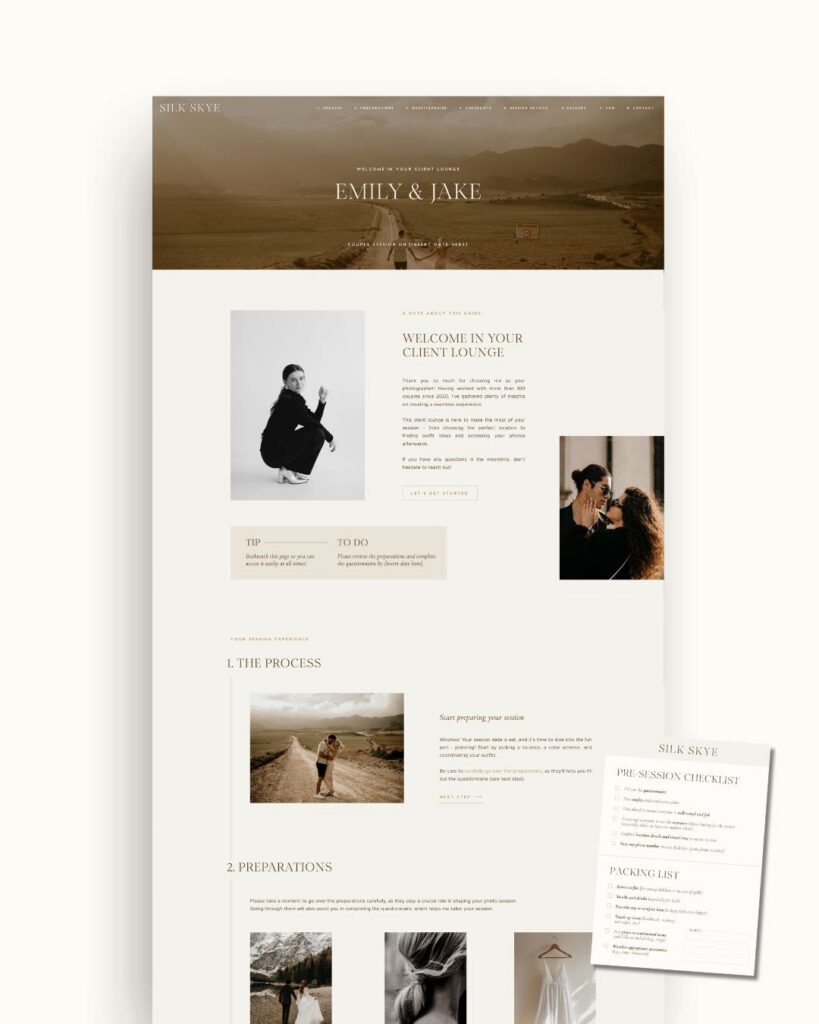
Showit Session Client Portal Silk Skye
$129,00 ex. VAT -
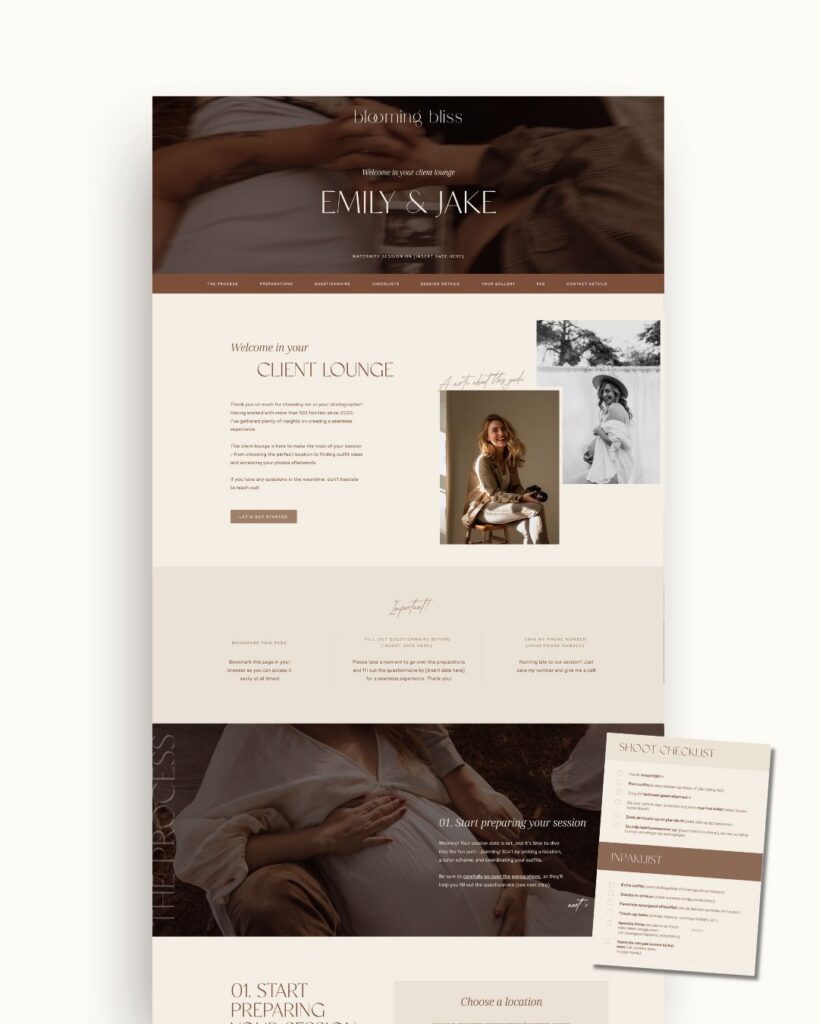
Showit Session Client Portal Blooming Bliss
$129,00 ex. VAT -
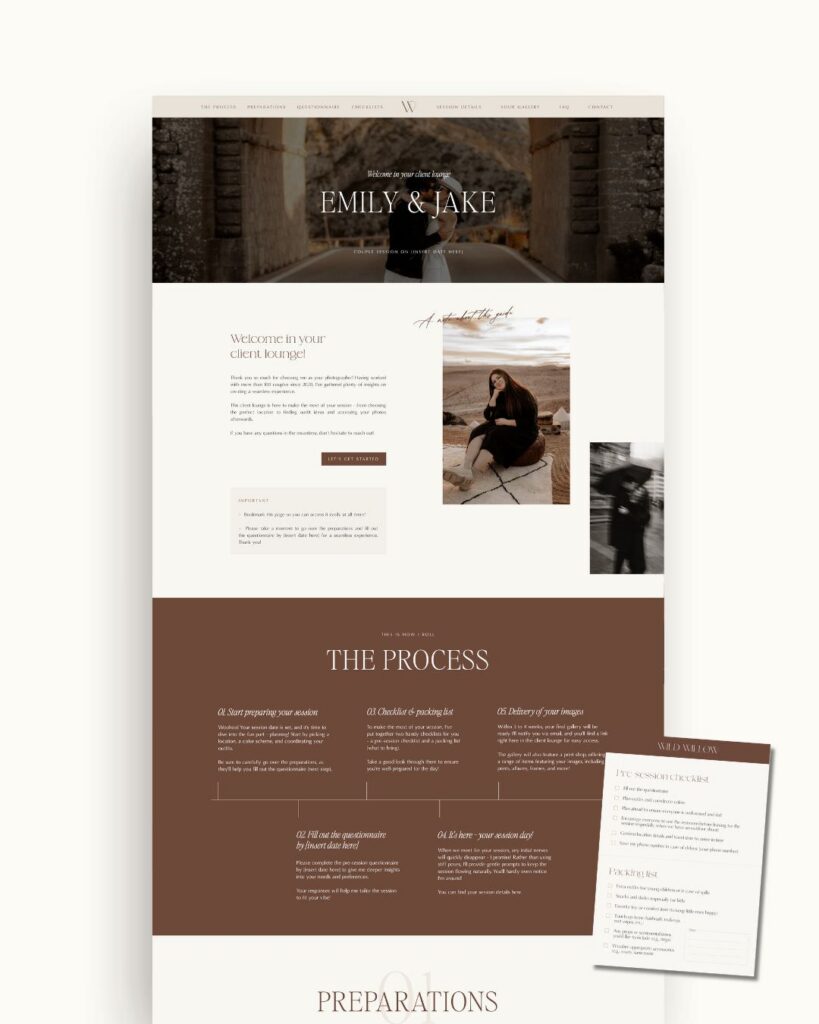
Showit Session Client Portal Wild Willow
$129,00 ex. VAT -
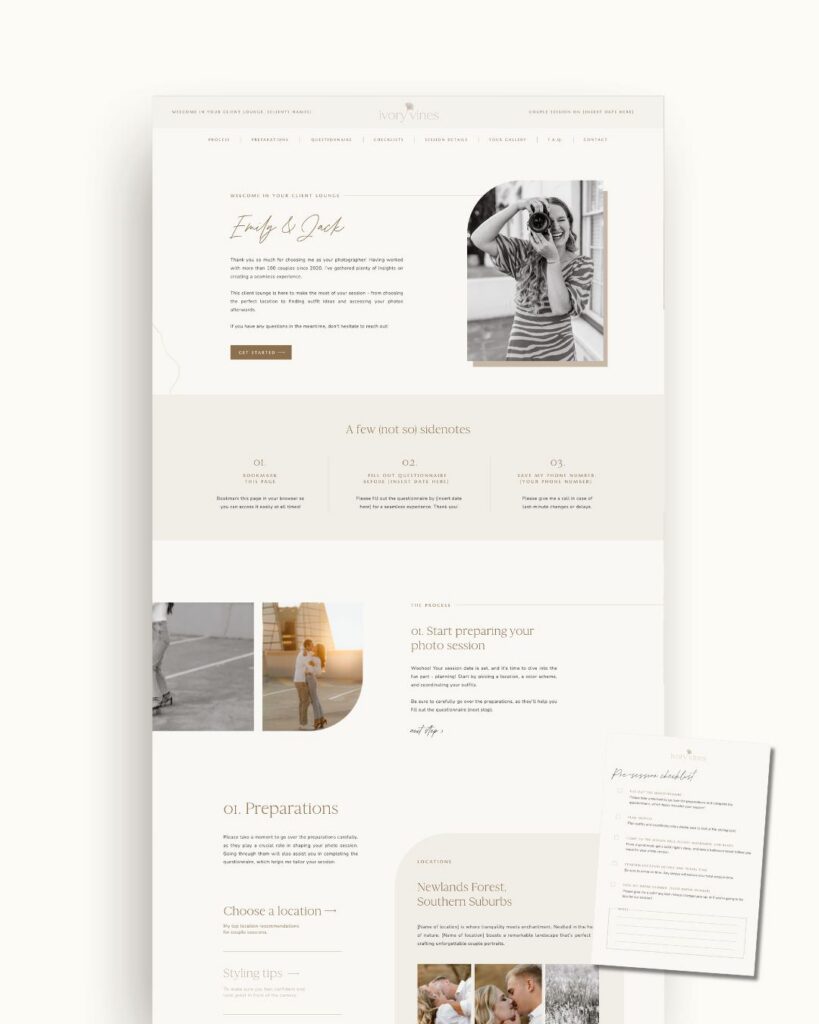
Showit Session Client Portal Ivory Vines
$129,00 ex. VAT -
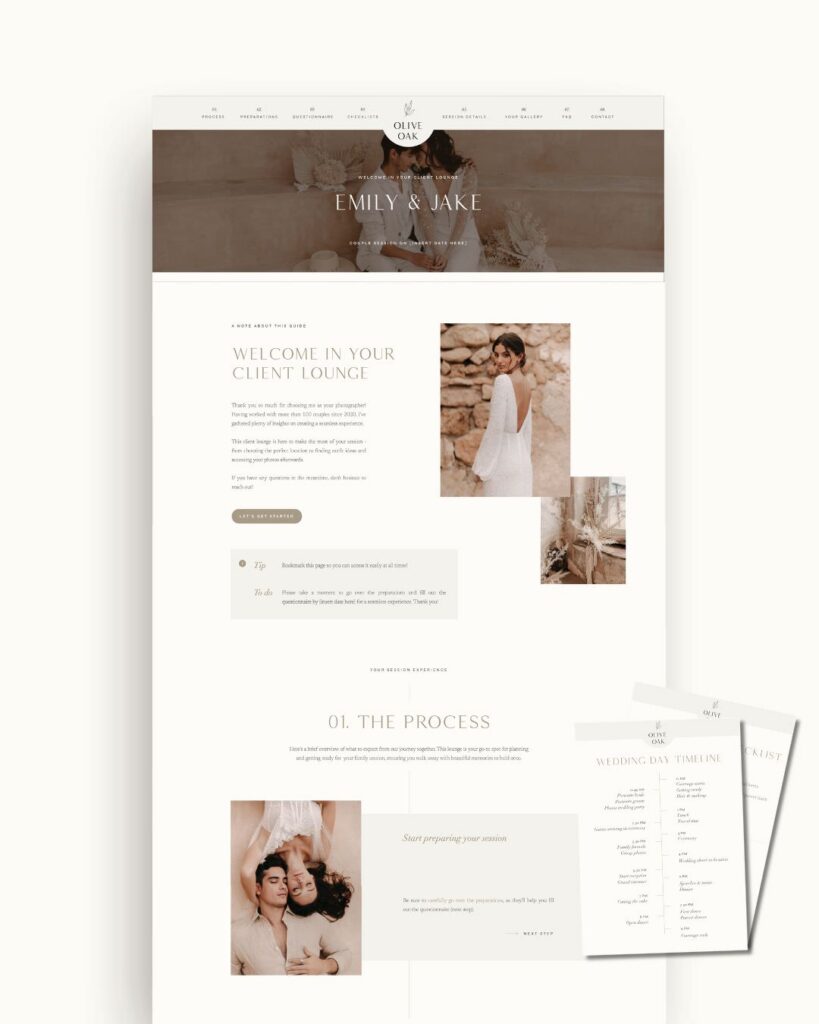
Showit Session Client Portal Olive Oak
$129,00 ex. VAT -
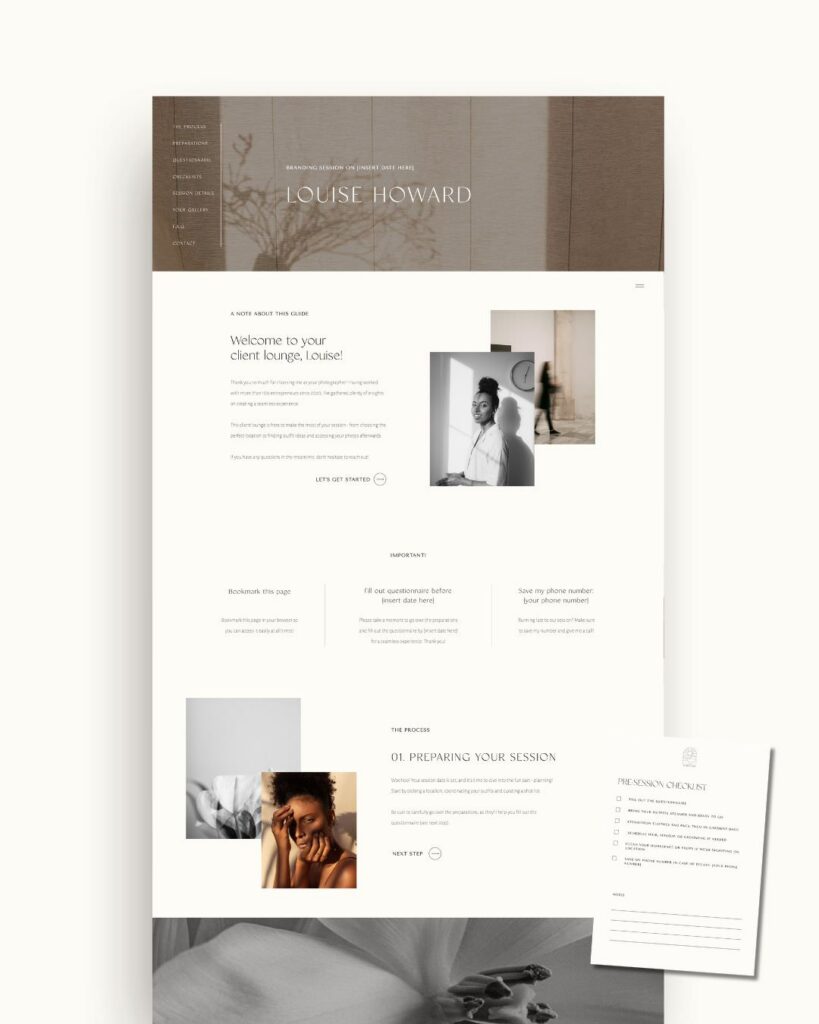
Showit Session Client Portal Wabi Sabi
$129,00 ex. VAT
(It's easier than you think)
How to add a client portal to your Showit site

You'll get a step-by-step guide that walks you through adding the client portal to your Showit site and customizing it to match your brand.
01. Add it to your site
Duplicate the client portal for each client and fill in their details, prep tips, recommendations, questionnaires and anything else they need.
02. Personalize for your client
Each client portal is a private page on your site, only those with the link can see it. So once it's ready, you just send your client the link, and they can open their portal anytime.
03. Share the link
That's it! When clients open their personal client portal, they'll get everything they need to prep for their session - and afterwards, they can access their gallery right there too.
04. Your clients are all set

What's included in the Showit session client portal?
A ready-to-use session checklist + packing list your clients can download and print straight from their client portal!
BONUS Canva template 🎁
How to add the client portal to your Showit site, customize it, keep it private for clients only and share it with them!
Step-by-step instructions
Every page is already written for you - just tweak it to match your voice.
Done-for-you copy
Fully customizable, mobile-friendly and ready to add to your Showit website.
Session client portal template
Frequently asked questions
A Showit Client Portal is a private page on your own Showit website, made just for your client. When someone books a session with you, you send them the link, and they'll find everything they need for their shoot in one place.
What this means for your clients:
They feel taken care of from the moment they book. They can look through outfit inspiration and styling tips, check off their prep list, see the location and session details, and fill in your questionnaire. After the shoot, their gallery link is waiting for them on the same page. It's easy to use, and they show up to their session feeling confident and ready.
What this means for you:
You stop sending the same checklist over and over, and clients stop asking where that PDF went. You set up the page once, personalize it for each client, and it does most of the prep work for you. That gives you hours back every month and makes your whole process look a lot more polished.
You share the link with them. Once a client books a session, you personalize their portal and include the link in your booking confirmation or welcome email. They can open it on their phone or laptop whenever they like.
Absolutely! You can duplicate the page for each new client and swap in their name and session details. The layout and copy are already done, so setting up a new portal only takes a few minutes.
That means only your clients with the direct link can access it - not random visitors who happen to be snooping around your site. 😉
Plus, the Showit support team is always ready to help, and they've got an emergency support team on standby too. We've got your back every step of the way!
View details


View details
View details
Ditch the generic Linktree page and send followers straight to your own Showit website - fully on-brand and completely yours.
Allow clients to schedule appointments or book your services right on your Showit site. Seamlessly integrate tools like Calendly, Cal.com, and HoneyBook!


Need to spotlight a product or service like a course or mini sessions? A sales page is your secret weapon - built to turn curious clicks into paying customers.