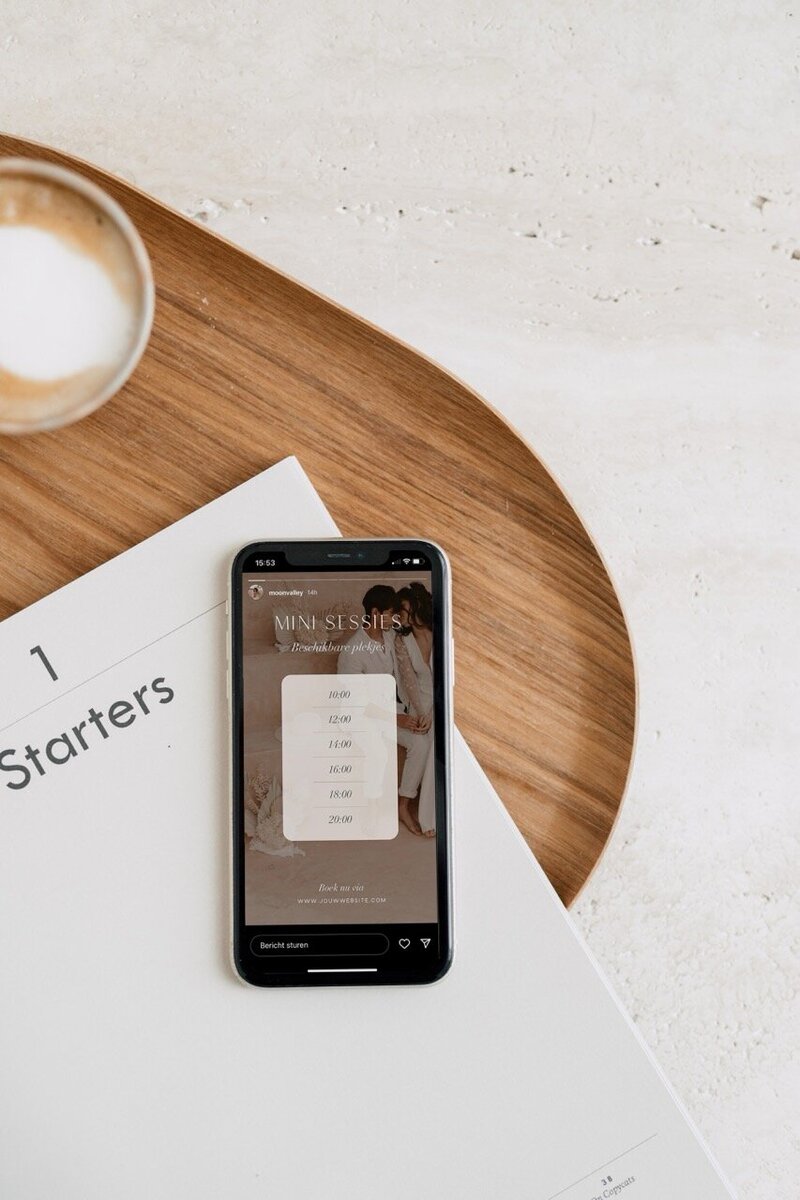
Showit Booking Pages
SHOWIT ADD-ON TEMPLATE


Let your clients book you without the back-and-forth. With these Showit booking pages, they can schedule photo sessions, calls and appointments in a few clicks, right on your Showit site. Just embed your favorite scheduler, like Calendly, HoneyBook or Acuity and you're all set!
-
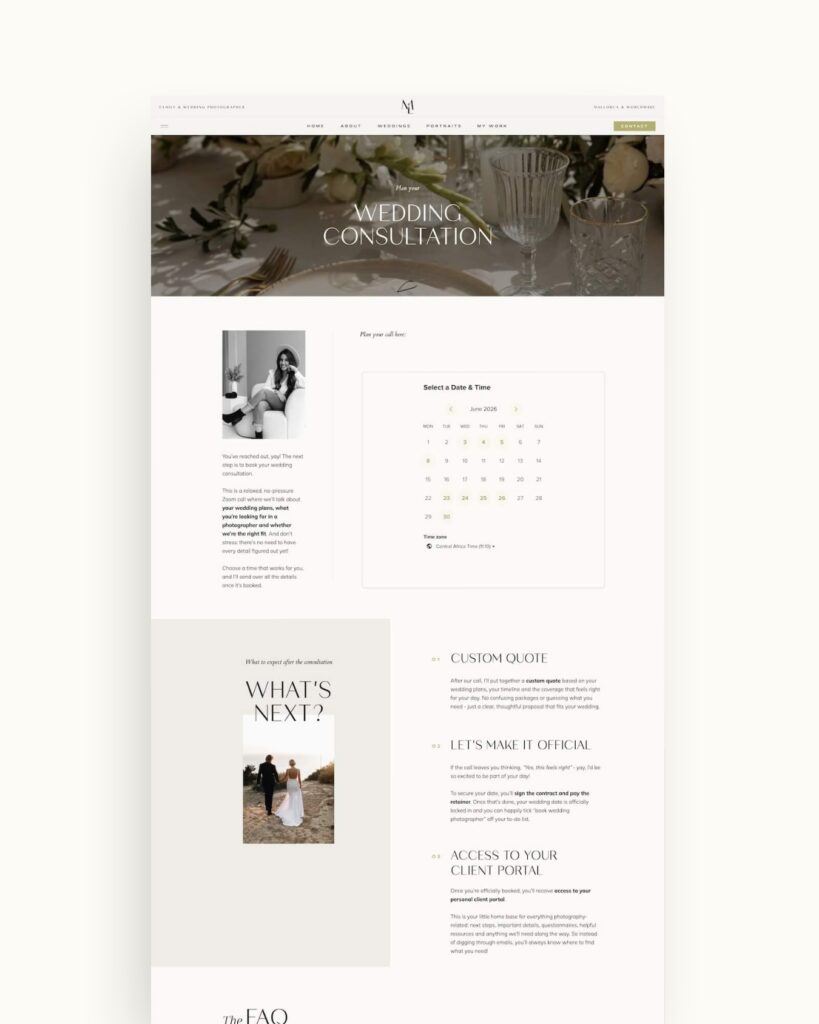
Showit Booking Page Memory Lane
$55,00 ex. VAT -
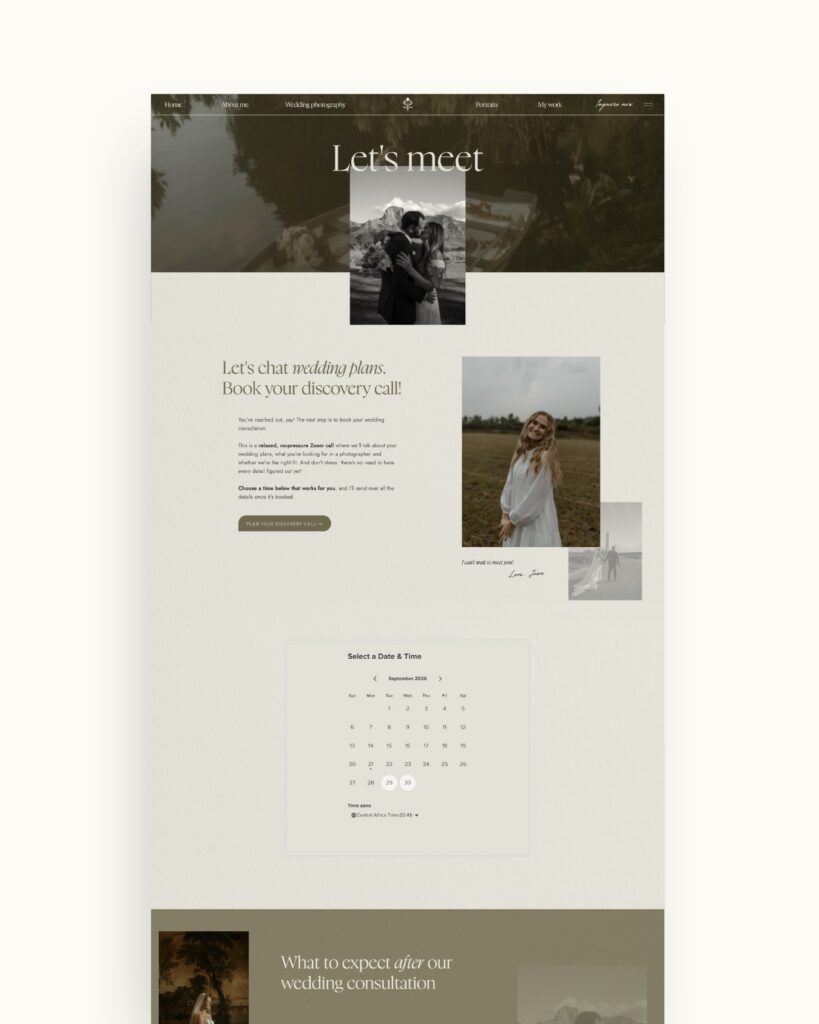
Showit Booking Page Rising Roots
$55,00 ex. VAT -
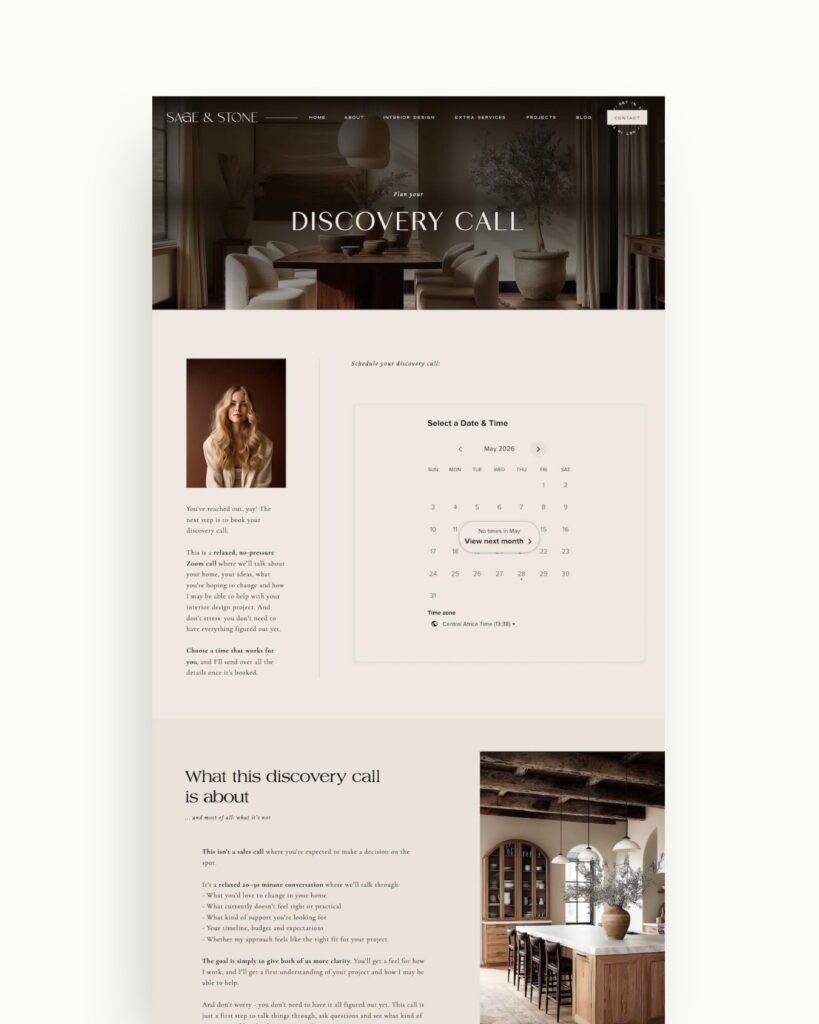
Showit Booking Page Sage & Stone
$55,00 ex. VAT -
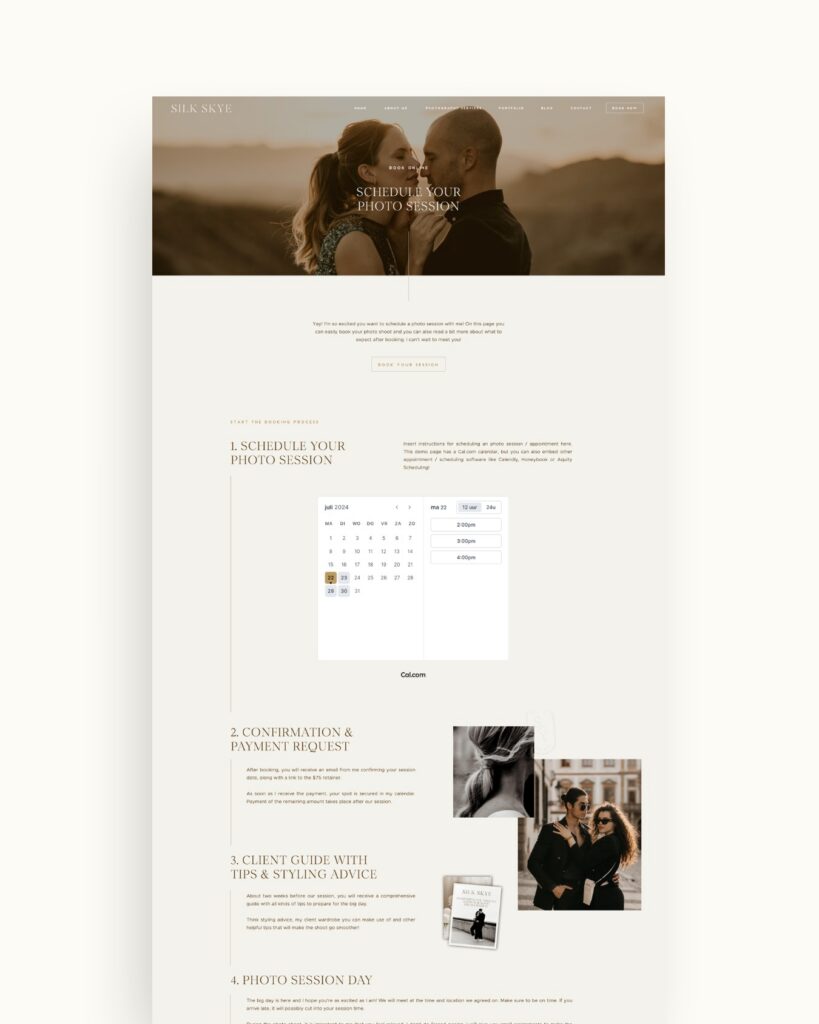
Showit Booking Page Silk Skye
$55,00 ex. VAT -
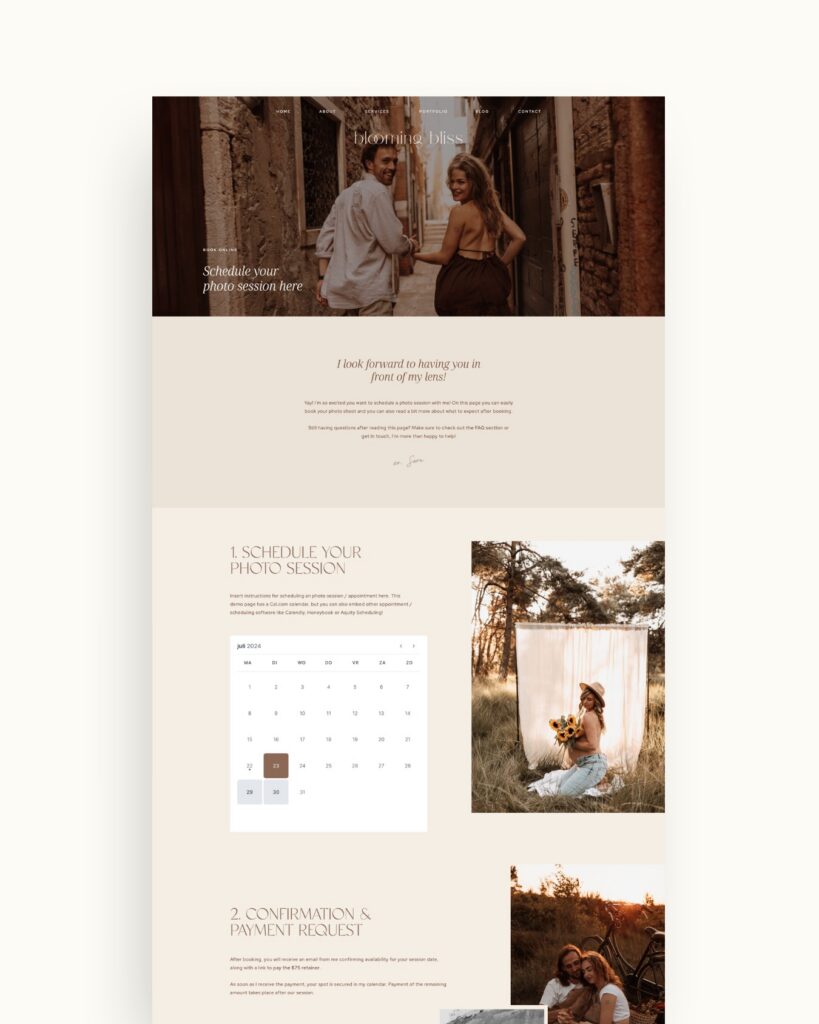
Showit Booking Page Blooming Bliss
$55,00 ex. VAT -
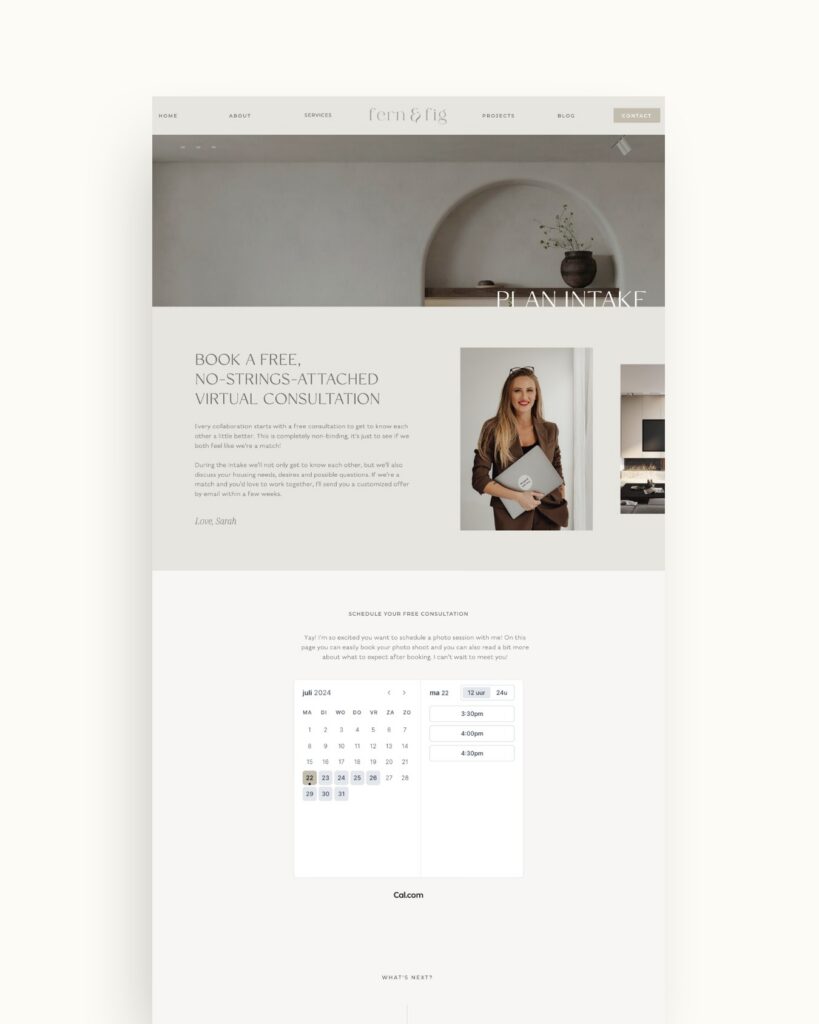
Showit Booking Page Fern & Fig
$55,00 ex. VAT -
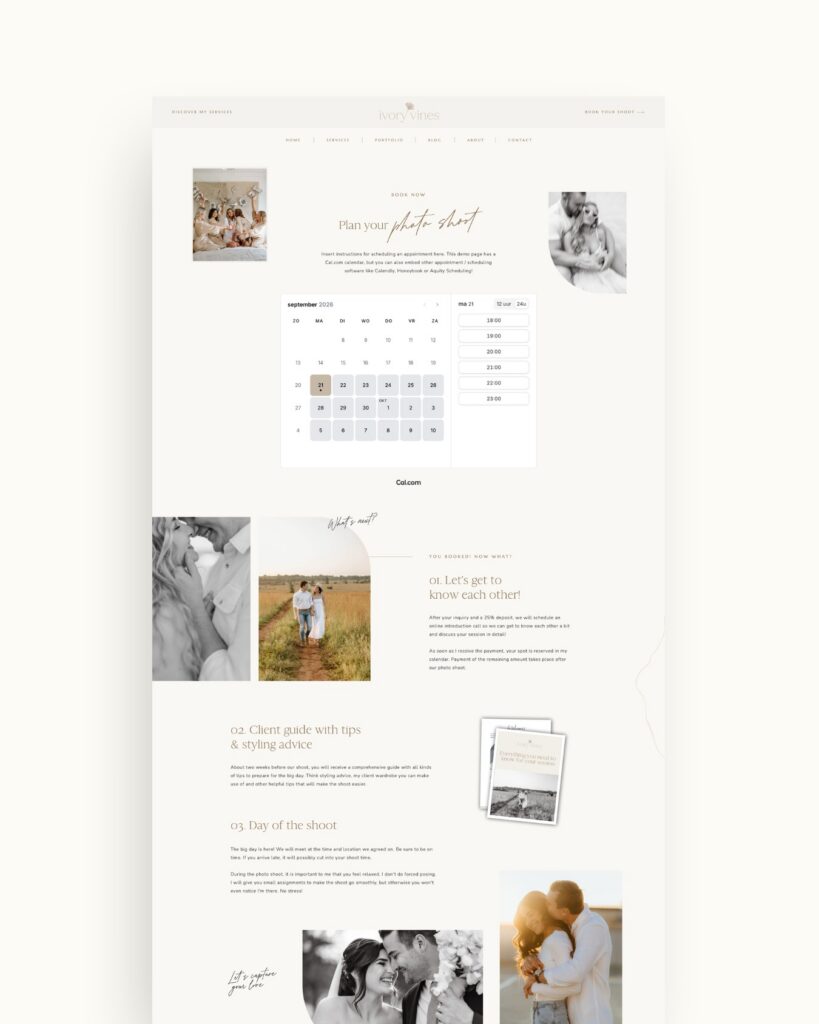
Showit Booking Page Ivory Vines
$55,00 ex. VAT -
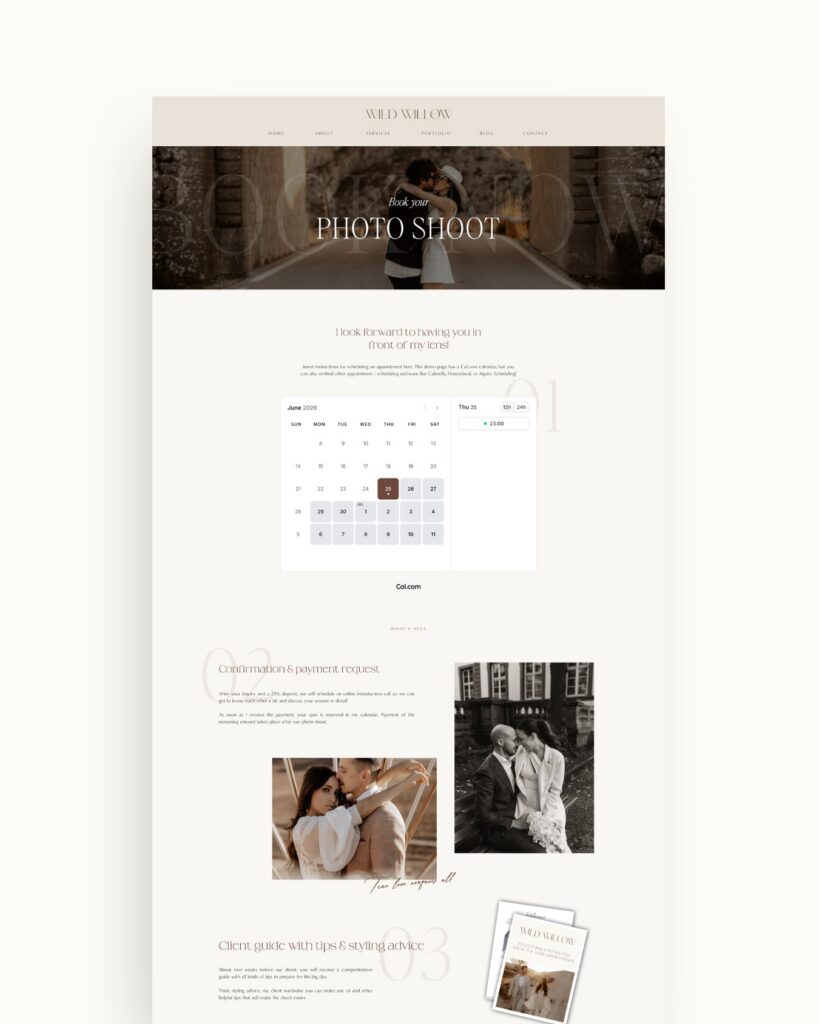
Showit Booking Page Wild Willow
$55,00 ex. VAT -
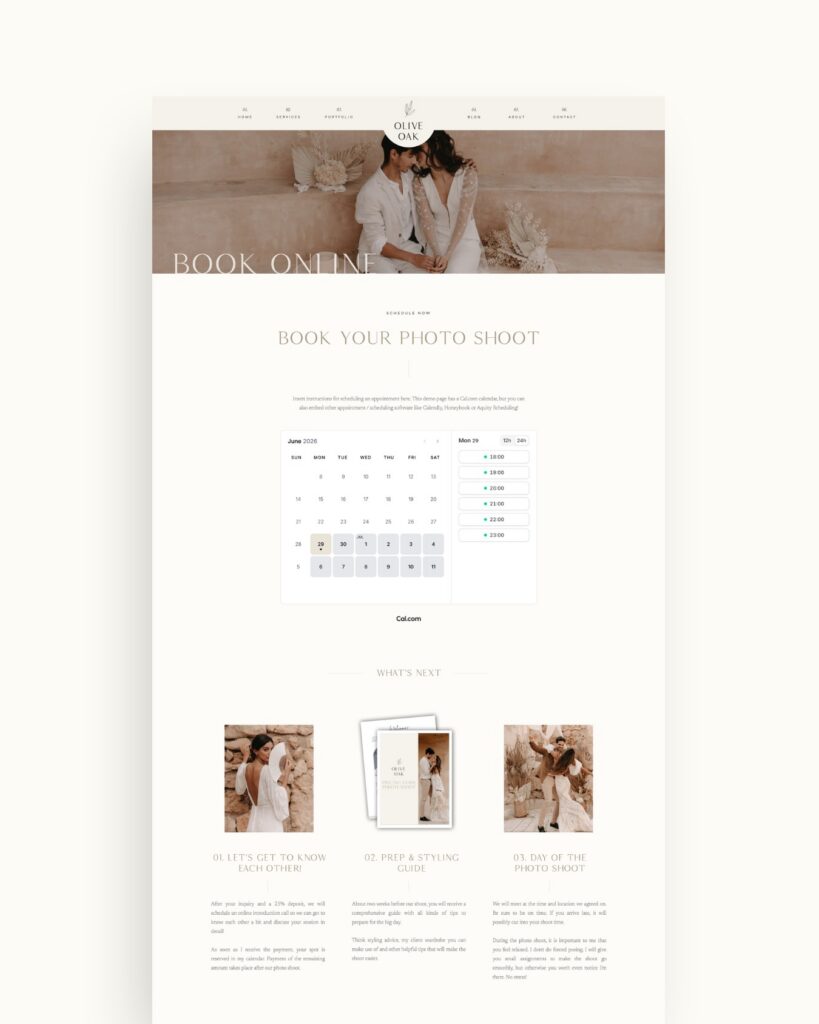
Showit Booking Page Olive Oak
$55,00 ex. VAT -
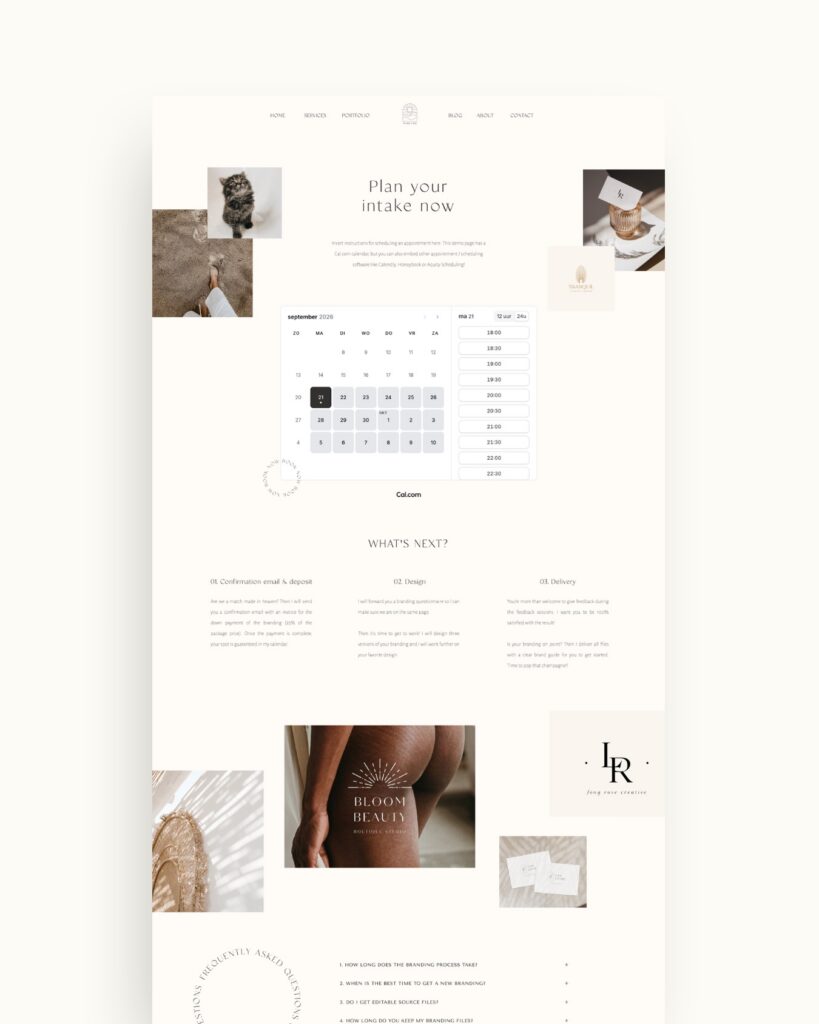
Showit Booking Page Wabi Sabi
$55,00 ex. VAT
Make it yours in minutes. Swap the colors, fonts and layout until it looks and feels exactly like your brand.
Fully customizable in Showit
Just plug in the scheduling software you already use (Calendly, HoneyBook, Cal.com, you name it) and your clients can book you in a few clicks.
Sync with your own scheduler
Say goodbye to the endless back-and-forth of calls and emails. Your booking page handles all the scheduling for you, right on your Showit site.

Streamline your workflow
Receive bookings around the clock with these Showit booking pages
Frequently asked questions
A Showit booking page is an add-on template: a web page you add to your existing Showit website. It lets your clients book your services and appointments directly, without ever leaving your site, for a seamless booking experience that matches your Showit design perfectly. You just embed your own scheduling tool, drop the page onto your site, and let it do the work.
Pretty much all the popular ones! Calendly, HoneyBook, Cal.com, Acuity Scheduling, Dubsado, you name it. As long as your tool gives you an embed code, you can add it to your booking page.
Don't see yours listed? Just check their website to see if they let you embed a calendar or form. If they do, you're good to go.
You'll bring your own. The booking page is designed to hold your scheduler, but the scheduling software itself (like Calendly or HoneyBook) is something you sign up for separately. Most have a free plan to get started.
- Photographers: make it super easy for clients to book photoshoots and mini-sessions right on your site.
- Interior designers, wedding planners, coaches and more: let potential clients schedule a discovery call in an instant.
- Beauty salons: let clients book their favorite treatments straight from your Showit website.
Basically, if you take bookings, these pages are for you.
Plus, I'll walk you through integrating Calendly, Cal.com, Honeybook and Acuity Scheduling.
- Change the colors
- Add your own images and videos
- Upload your own fonts
- Add, duplicate or delete canvases
The booking form or calendar itself comes from your scheduling tool, so how much you can style that depends on which tool you use. In most cases, though, you can at least match it to your brand colors.
On top of that, the Showit support team is always ready to jump in (they've even got an emergency support team on standby). So whatever comes up, you're never on your own.
View details
Ditch the generic Linktree page and send followers straight to your own Showit website - fully on-brand and completely yours.
Link-in-Bio Pages
View details


Want to launch your online store? With this shop template + Shopify integration, you can sell digital or physical products and accept payments with ease.
Shop Templates


Explore more Showit add-on templates


View details
Need to spotlight a product or service like a course or mini sessions? A sales page is your secret weapon - built to turn curious clicks into paying customers.